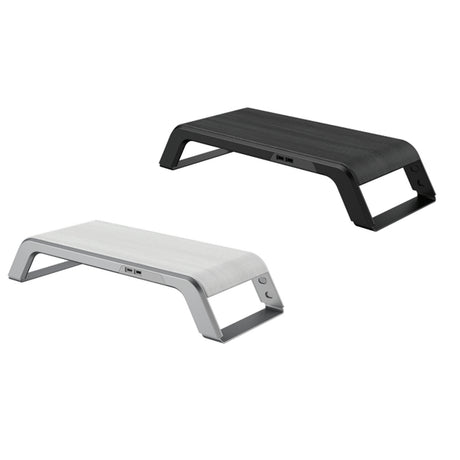
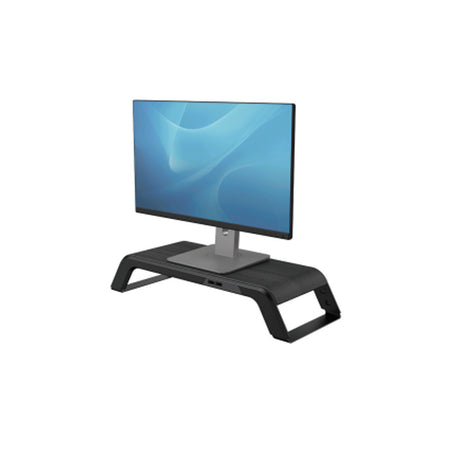
Optimizing your screen position is essential for improving your daily comfort. By properly adjusting the height and angle of your screen, you reduce visual and physical fatigue.
Key Takeaways
- Ergonomic Benefits: Proper monitor positioning reduces neck, back, and shoulder pain by aligning screens at eye level
- Productivity Boost: Correct screen height decreases visual fatigue and improves focus throughout the workday
- Space Optimization: Elevating monitors frees up valuable desk space for other equipment and reduces clutter
- Variety of Options: Choose from single arms, dual mounts, laptop stands, and wall-mounted solutions based on your needs
- Key Features: Look for adjustable height, smooth articulation, sturdy weight capacity, and integrated cable management
The Benefits of Using a Monitor Stand on Your Desk
A monitor stand is an essential tool for improving ergonomics and workplace comfort. Discover our tips and range of accessories to increase your employees' well-being.
Optimize Your Desk Ergonomics
A computer monitor stand allows you to easily adjust the height and angle of your screen. This helps you align your view and workstation ergonomically, reducing muscle tension and preventing chronic pain.
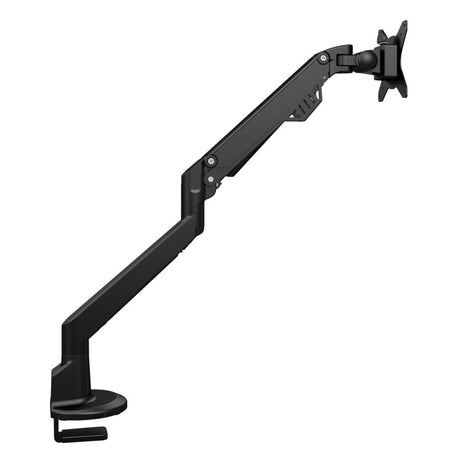
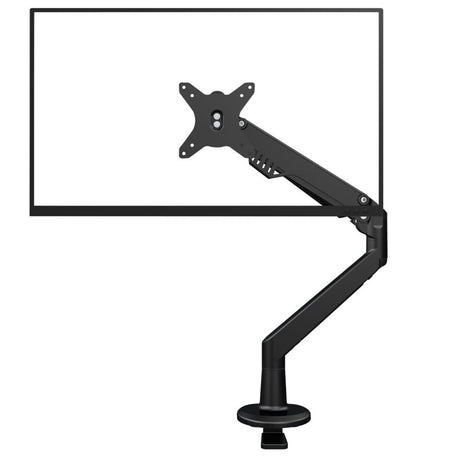
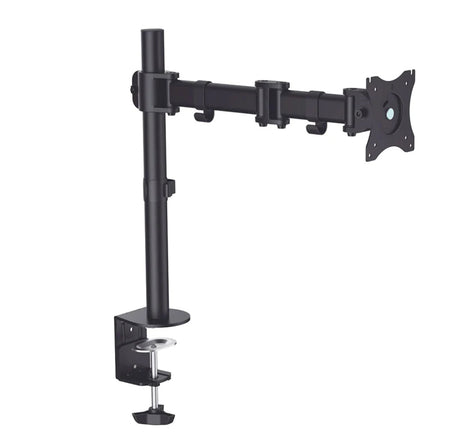
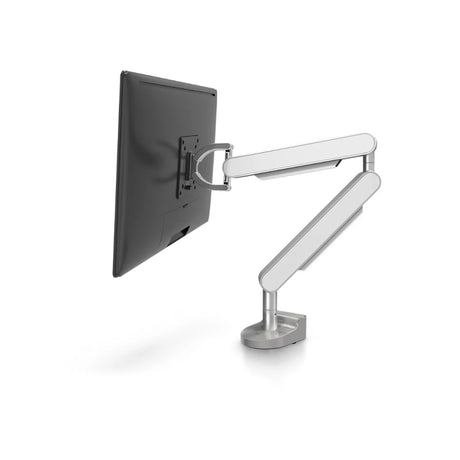
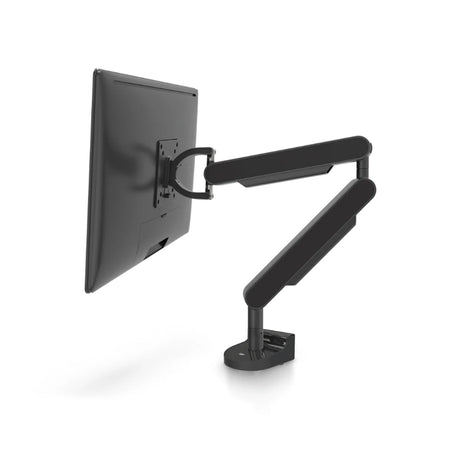
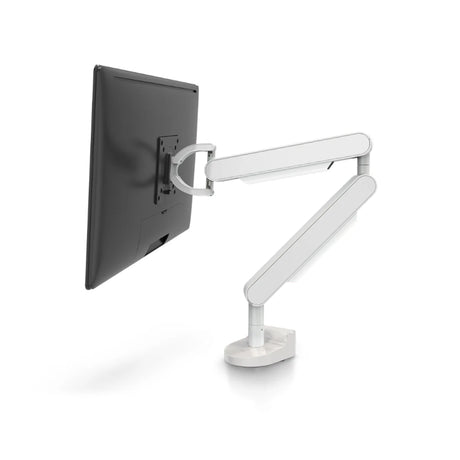
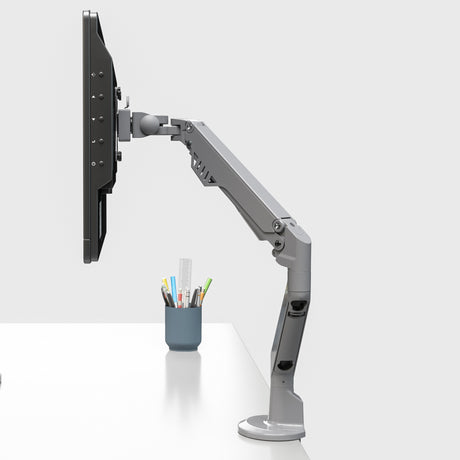
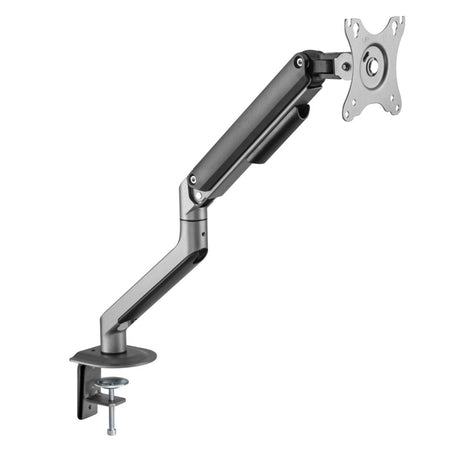
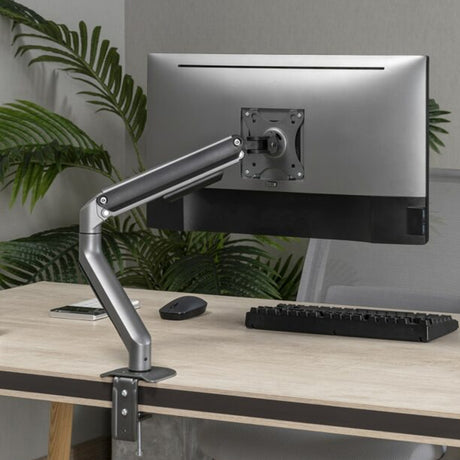
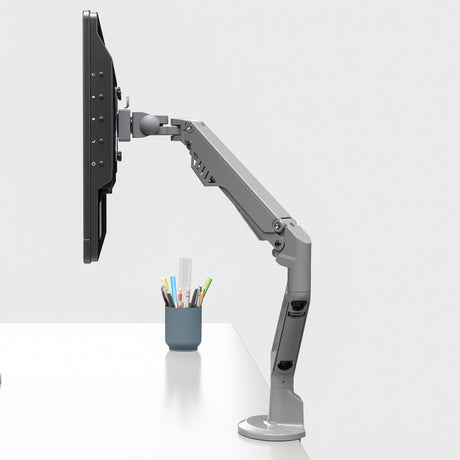
An articulated monitor arm provides total flexibility—you can modify the screen position according to your personal preferences. This prevents back, neck, and shoulder pain, particularly by allowing your eyes to be at screen level. Whether you need a desk-mounted solution or a wall-mounted option, proper positioning is crucial for long-term health.
Reduce Fatigue and Increase Productivity
By optimizing your screen position with a computer screen stand, you reduce visual and physical fatigue. A poorly positioned screen can cause tension that harms concentration and efficiency. A good support system allows you to be more comfortable, which translates to better performance and greater productivity throughout your day.
The right adjustable solution ensures your workspace supports rather than hinders your work, keeping you focused and energized from morning to evening.
Maximize Your Desk Space Usage
A monitor stand for desk setups frees up valuable space on your work surface by elevating the screen. This gives you more room for other office equipment or accessories while reducing clutter. By using a wall-mounted or clamp-on support, you can create a more organized and functional space.
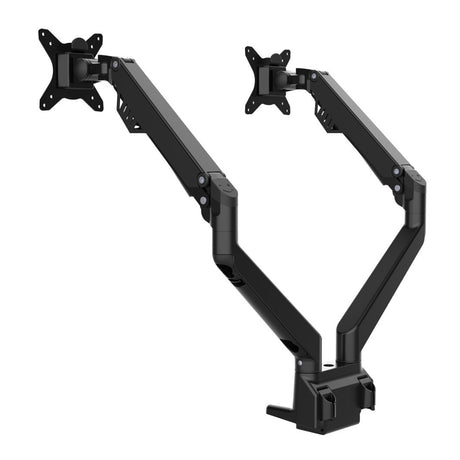
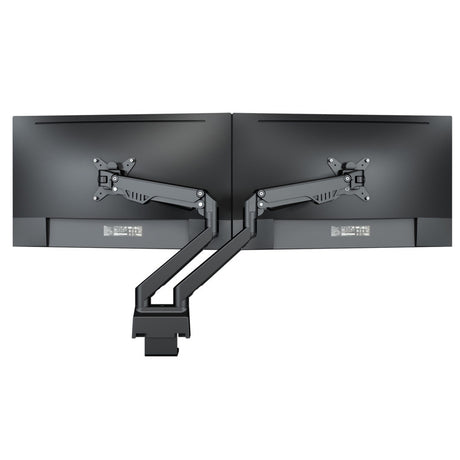
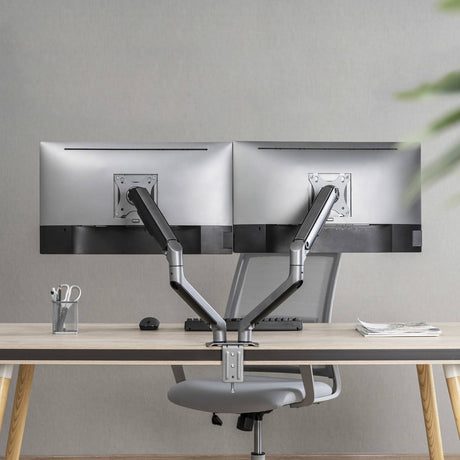
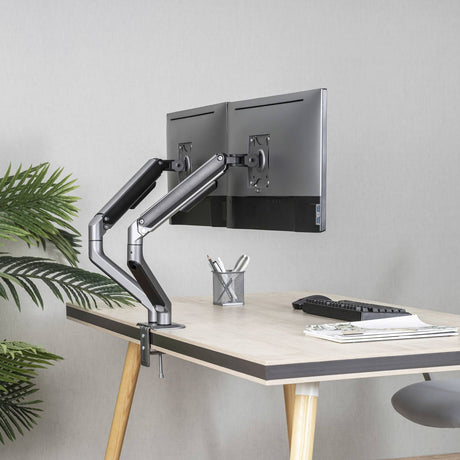
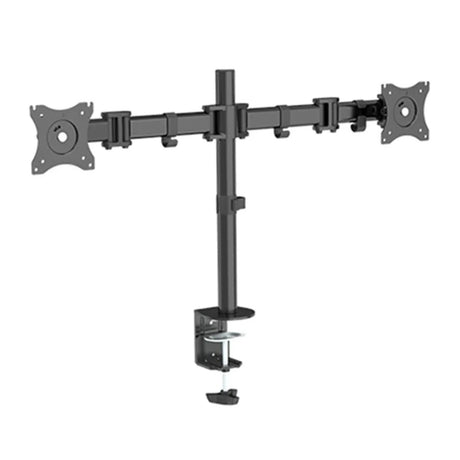
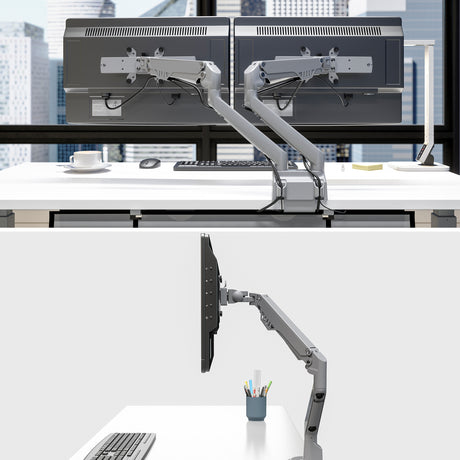
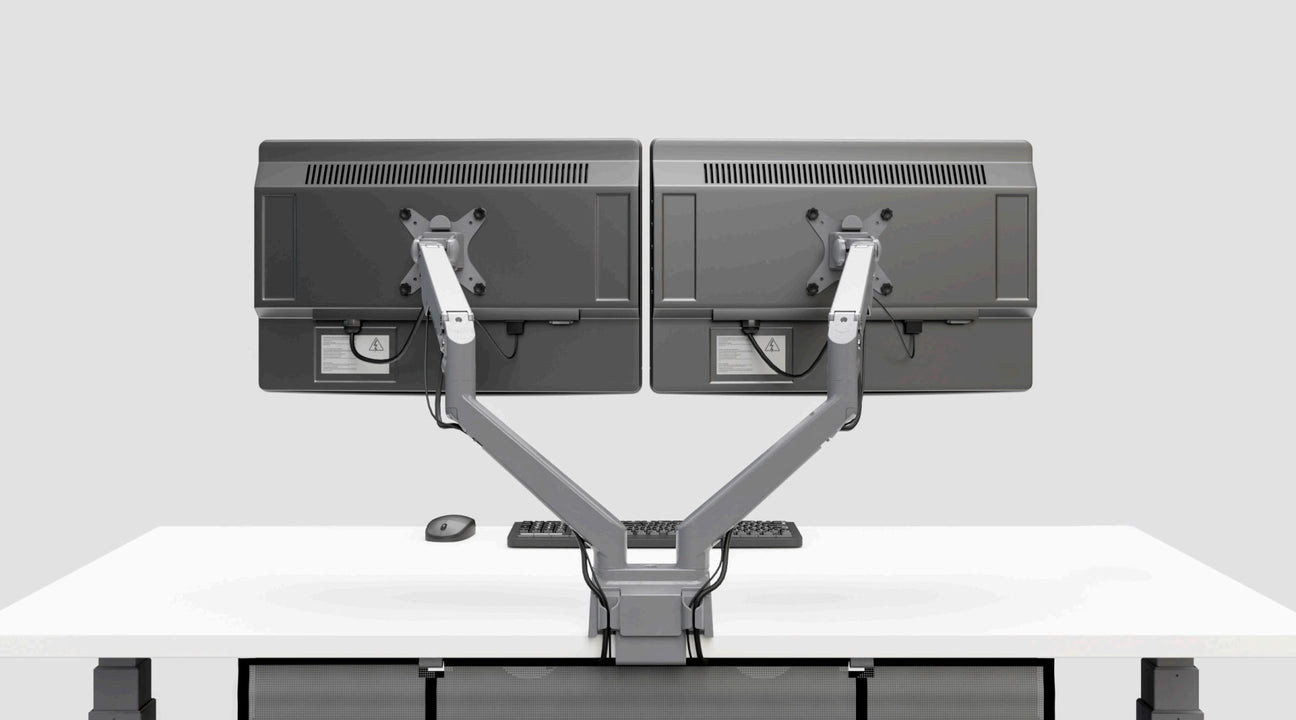
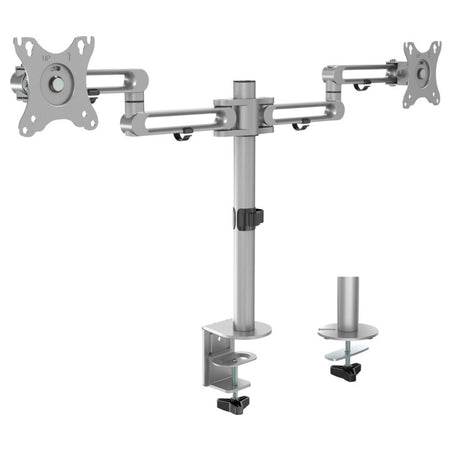
With a dual monitor stand, you can elevate multiple screens while maintaining a clean, professional workspace that maximizes every square inch of your desk.
What Are the Different Types of Monitor Stands?
Depending on your workspace configuration, you may need a computer screen stand for flat screens or laptops, or a dual monitor mount if you work on both simultaneously.
Stands for Flat Screens
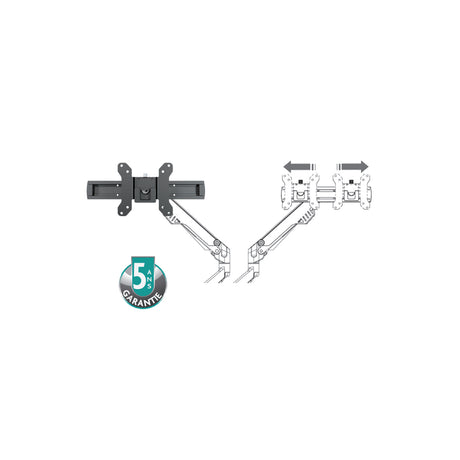
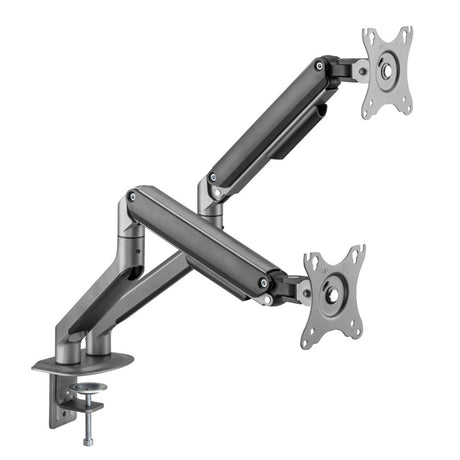
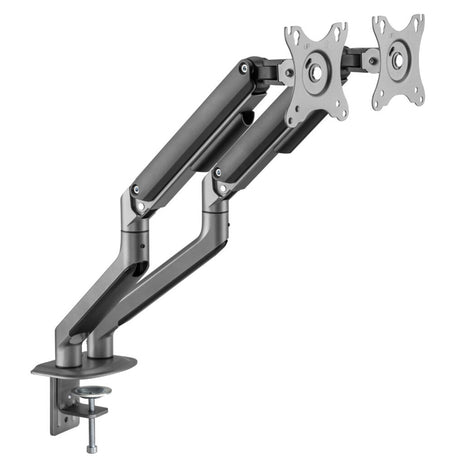
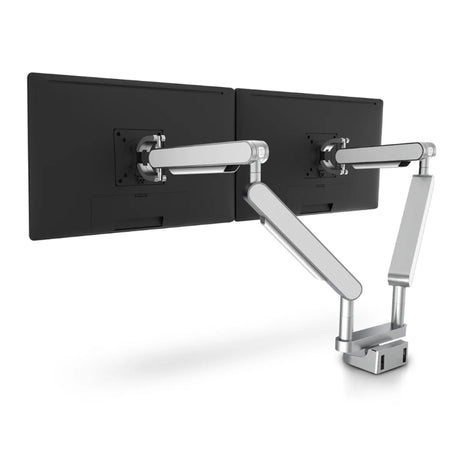
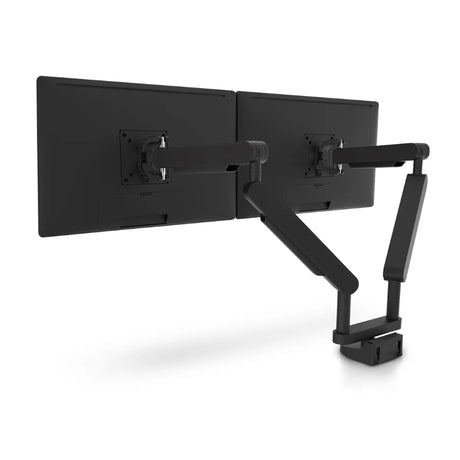
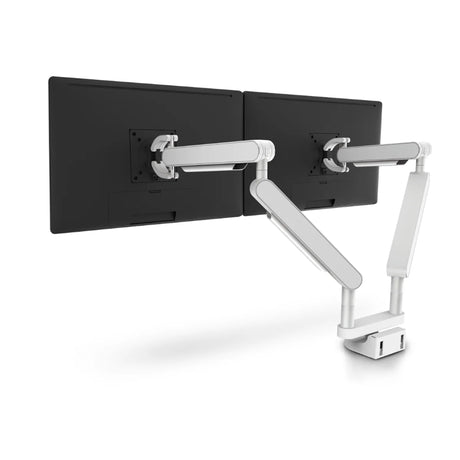
There are several models of articulated monitor arms for flat screens to suit all types of supports, depending on your needs, budget, and desired features. For example, the double extension post-mounted articulated stand for dual monitors from Groupe Lacasse allows complete rotation as well as forward-backward screen movement. Other arms simply offer height adjustment.
Whether you need a basic desk solution or a sophisticated dual monitor stand with full articulation, there's an option to match your workspace requirements.
Stands for Laptops
If you combine in-office and home work, it can be very worthwhile to invest in a superior quality laptop stand like Ergocentric's adjustable model. This arm allows you to adjust your laptop's tilt and can be very practical when using both a fixed screen and portable display.
For professionals who alternate between locations, a portable solution ensures consistent ergonomics whether you're working from the office, home, or a co-working space.
What to Consider When Buying a Monitor Stand?
It's important to think about your entire office organization with quality equipment to improve posture, comfort, and employee efficiency.
Choosing the Right Arm for Your Needs
Selecting an arm should adapt to the usage and configuration of your space. If you work on multiple screens, a dual monitor mount can be the ideal solution to adjust each screen's position and improve your visual comfort.
A good computer screen stand should offer sufficient flexibility to adapt to your needs, whether you opt for a single or dual setup. Additionally, some arms include features such as adjustable height or complete rotation, allowing you to further customize your space to ensure good posture.
When shopping for computer screen stands for desk setups, consider how many monitors you'll need to support now and in the future. An adjustable solution provides the versatility to accommodate changing workspace needs.
Ease of Attachment and Assembly
Ease of assembly is essential when purchasing a support system. Choose one that attaches quickly, whether with a wall mount or clamp, without requiring professional intervention.
Modern stands often include a universal mounting adapter, ensuring rapid installation. Whether for an adjustable monitor or a more complex setup, secure mounting is key. Quality dual monitor stand options typically feature tool-free installation for maximum convenience.
Harmonizing Your Ergonomic Office Furniture
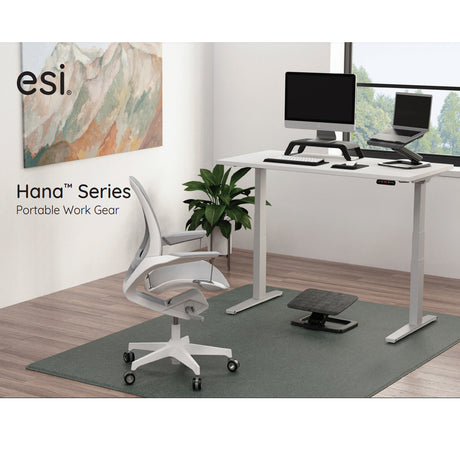
It's very beneficial to combine a desk monitor stand with other ergonomic accessories like a keyboard tray, footrest, or removable storage spaces. It's also valuable to pair it with appropriate office furniture like a height-adjustable table, which allows you to change positions regularly.
At Solutions M3, we're proud to offer professional furniture that adapts to your company's needs and brings comfort and efficiency to your teams.
Key Features to Look for in a Monitor Stand
When selecting the perfect support system for your screens, several features deserve special attention to ensure you're making the right investment.
Weight Capacity and Screen Size Compatibility
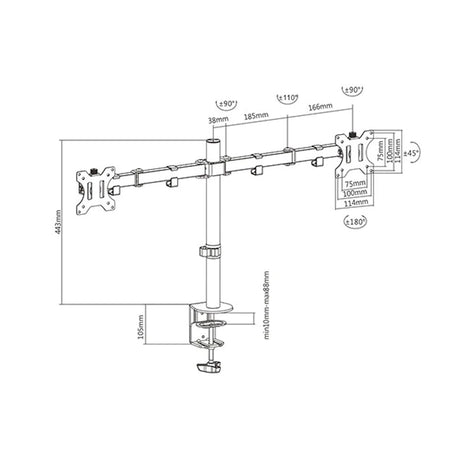
Every stand has a maximum weight capacity and screen size range. Before purchasing, verify that your chosen arm can support your current displays. Most quality options accommodate screens from 17" to 32" and support weights up to 20 pounds per arm.
For a dual monitor mount, ensure the combined weight of both screens falls within the stand's specifications. This is particularly important for professionals using large or high-resolution displays.
Range of Motion and Adjustability
The best adjustable options offer multiple degrees of freedom: height adjustment, tilt, swivel, and rotation. This flexibility allows you to position your screen exactly where you need it throughout the day.
A premium arm should move smoothly and hold position securely without drifting. Look for models with easy-to-use adjustment mechanisms that don't require tools for routine positioning changes.
Cable Management Solutions
Quality computer screen stands for desk setups include integrated cable management to keep your workspace tidy. Look for options with clips, channels, or sleeves that route cables neatly from your screen to your computer.
Good cable management isn't just aesthetic—it prevents tangled cords, reduces tripping hazards, and makes it easier to add or remove equipment as your needs change.
Installation Versatility
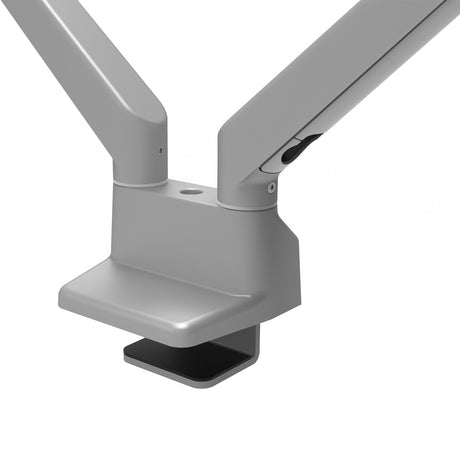
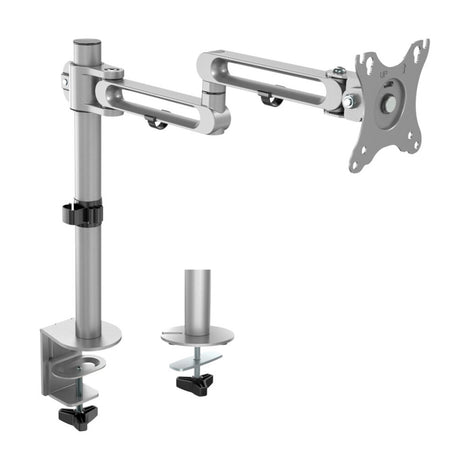
Different workspaces require different mounting options. The most versatile monitor stand for desk options offer both clamp and grommet mounting, allowing installation on various desk types and thicknesses.
For dual setups, consider whether you need independent arms for each screen or a single mount supporting both displays. Independent arms offer maximum flexibility, while dual mounts on a single pole save desk space.
Why Choose Solutions M3 for Your Monitor Stand Needs?
With decades of experience in ergonomic office solutions, Solutions M3 understands that the right support system is crucial for workspace comfort and productivity.
We carefully select every product in our collection based on build quality, ergonomic design, and real-world performance. Whether you need a simple desk solution or a sophisticated dual monitor mount system, we provide expert guidance to help you choose the option that best fits your workspace and budget.
Our team can help you integrate your new screen support with other ergonomic furniture and accessories, creating a cohesive workspace that supports your health and productivity for years to come.
Transform Your Workspace with the Right Monitor Stand
Investing in a quality monitor stand is one of the simplest yet most effective ways to improve your workspace ergonomics. Whether you choose a basic computer monitor stand or an advanced adjustable model with full articulation, proper screen positioning makes a measurable difference in comfort and productivity.
From single-screen solutions to comprehensive dual monitor stand systems, Solutions M3 offers the computer screen stands for desk setups that Canadian professionals trust. Contact us today to discover how the right support can transform your workspace experience.
Frequently Asked Questions About Monitor Stands
What is the ideal height for a computer monitor?
The top of your monitor should be at or slightly below eye level when you're sitting with proper posture. This typically means the center of the screen is 15-20 degrees below horizontal eye level, reducing neck strain and promoting better posture throughout the workday.
Can any monitor be mounted on a monitor stand?
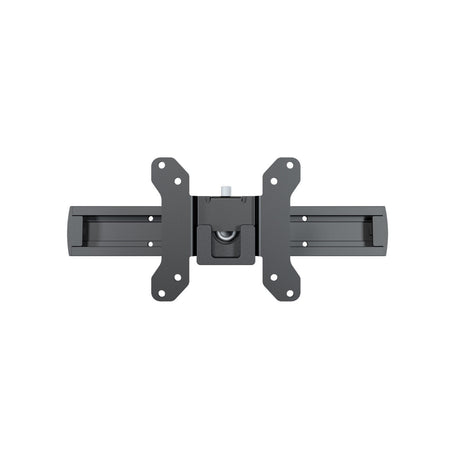
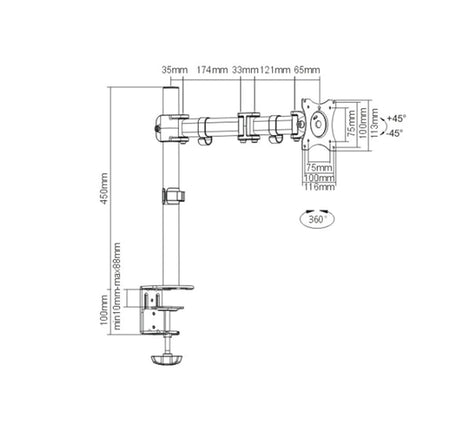
Most modern monitors support VESA mounting standards (75x75mm or 100x100mm), which are compatible with standard monitor arms. Check the back of your monitor for mounting holes or consult your monitor's specifications to confirm VESA compatibility before purchasing a stand.
How much weight can a typical monitor arm support?
Most quality monitor arms support between 4.5 to 20 pounds (2-9 kg), accommodating screens from 17" to 32". Dual monitor stands typically support similar weight per arm. Always verify the weight capacity matches your monitor's specifications to ensure safe, stable mounting.
What's the difference between a clamp mount and a grommet mount?
A clamp mount attaches to the edge of your desk and requires no drilling, making it ideal for quick installation and rental spaces. A grommet mount threads through a hole drilled in your desk, providing a more permanent, streamlined appearance. Many stands offer both mounting options for versatility.
Do I need a dual monitor stand or two separate arms?
A dual monitor stand uses one base to support two screens, saving desk space and often costing less than two separate arms. However, two independent arms offer greater flexibility in positioning each screen. Choose based on your desk space, budget, and how much adjustment flexibility you need.
How do I maintain and clean my monitor stand?
Periodically check all bolts and adjustment knobs to ensure they remain tight. Clean the arm with a soft, damp cloth and avoid harsh chemicals that could damage the finish. Lubricate moving joints annually with a small amount of silicone spray to maintain smooth operation.
Can I use a monitor stand with a sit-stand desk?
Yes! Monitor stands work excellently with height-adjustable desks. The arm allows you to position your screen at the correct height whether sitting or standing. Some users prefer clamp mounts for sit-stand desks to avoid drilling into the adjustable surface.
What is the return policy if the monitor stand doesn't fit my needs?
At Solutions M3, we stand behind our products with comprehensive support. Contact our team to discuss return policies, installation assistance, or finding a better-suited solution for your workspace. We're committed to ensuring you have the right ergonomic setup for your needs.

 15% off
 20% off
 20% off
 20% off
 Request for quotation