Optimizing the position of your monitor is essential to improving your daily comfort. By properly adjusting the height and angle of your screen, you reduce both visual and physical fatigue.
The benefits of using a computer monitor stand at your desk
A monitor stand is an essential tool for improving ergonomics and comfort at work. Discover our advice and our range of accessories to increase your employees’ well-being.
Optimize your desk ergonomics
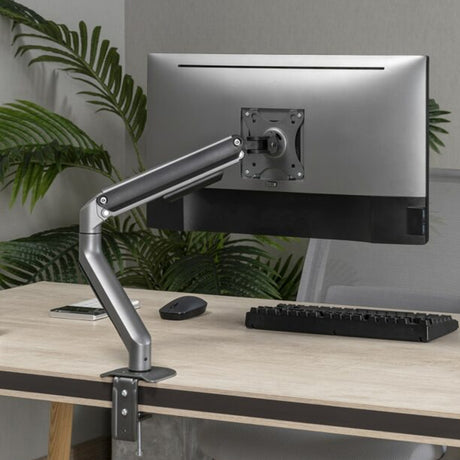
A computer monitor stand allows you to easily adjust the height and angle of your screen. This helps you align your eyesight and workstation ergonomically, reducing muscle strain and preventing chronic pain.
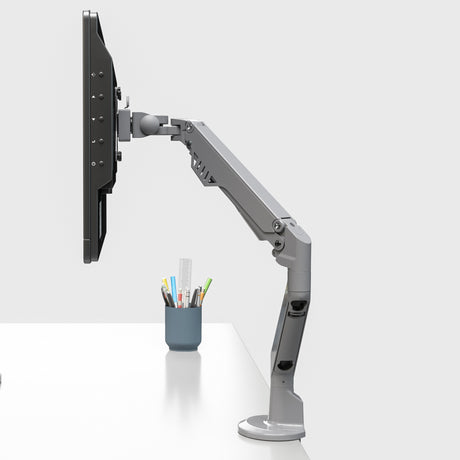
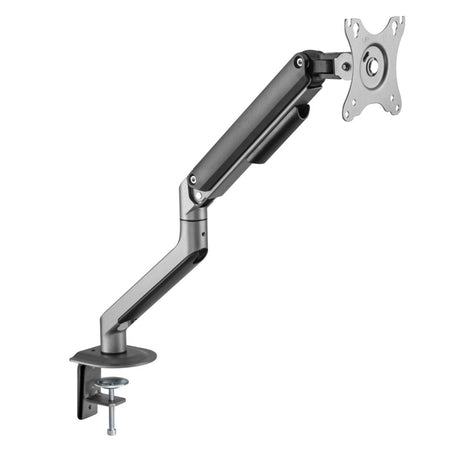
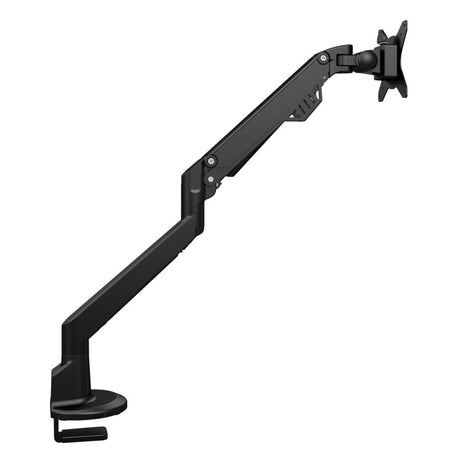
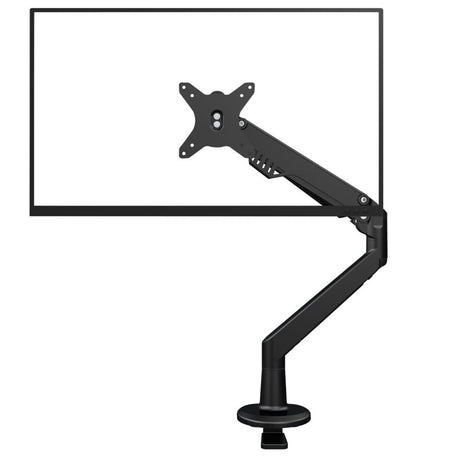
The articulated arm offers total flexibility: you can change the screen’s position based on your personal preferences. This helps prevent back, neck, and shoulder pain by keeping your eyes at the right level with the monitor.
Reduce fatigue and boost productivity
By optimizing your monitor’s position, you reduce both visual and physical fatigue. A poorly positioned screen can create tension that affects concentration and efficiency. A good computer monitor stand allows you to work more comfortably — which translates into better performance and greater productivity throughout your day.
Maximize your desk space
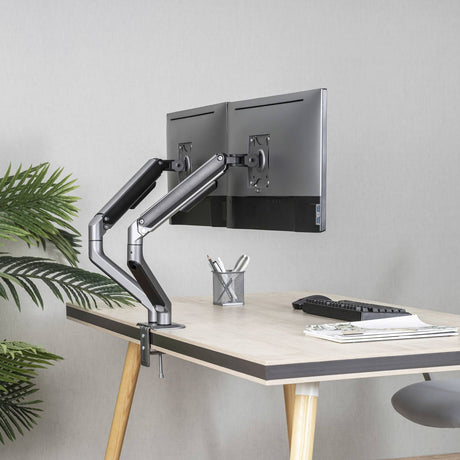
A computer monitor stand frees up valuable desk space by raising your screen, giving you more room for other office equipment or accessories while reducing clutter. Using a wall-mounted or clamp-on stand helps you create a more organized and functional workspace.
What are the different types of computer monitor stands?
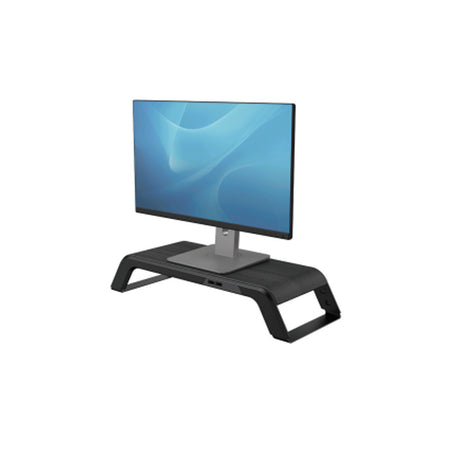
Depending on your workspace setup, you may need a monitor stand for flat screens, a laptop stand, or even a dual-monitor stand if you work with two screens.
Flat screen monitor stand:
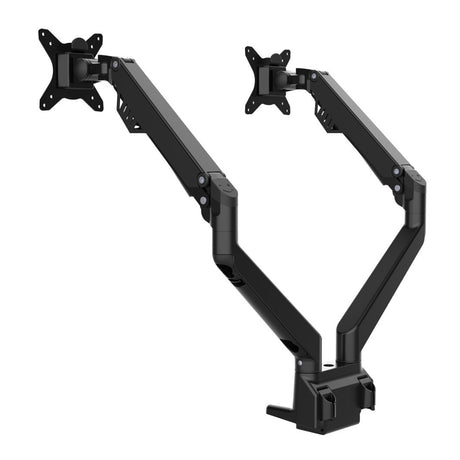
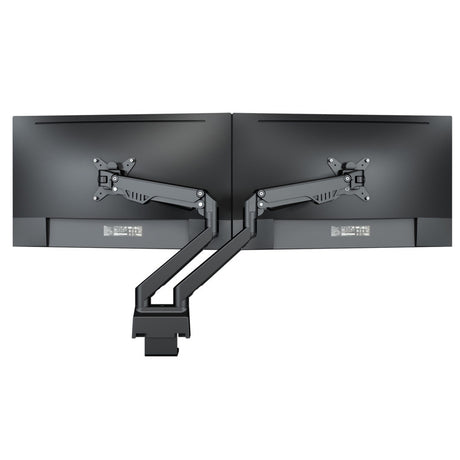
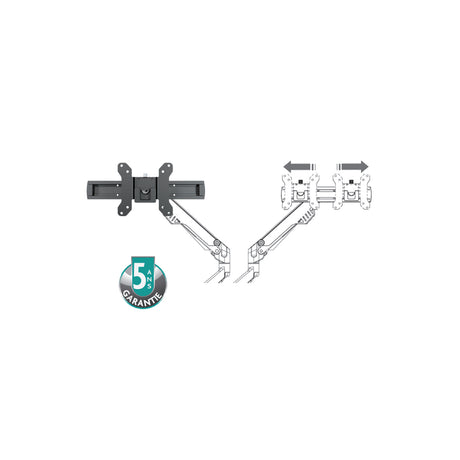
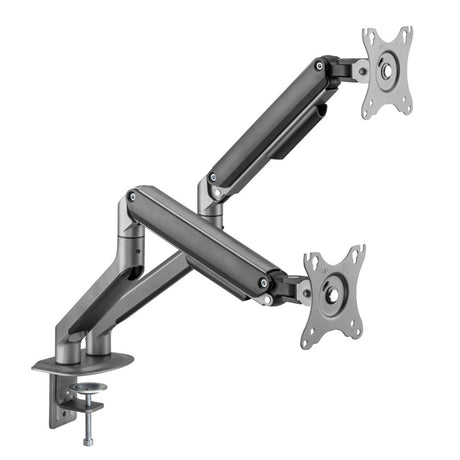
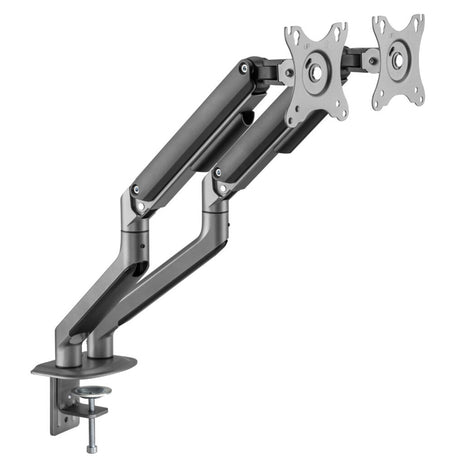
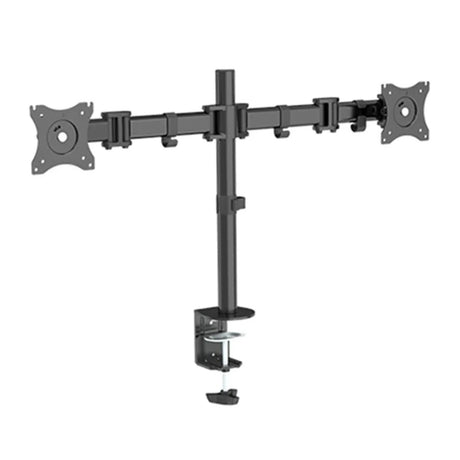
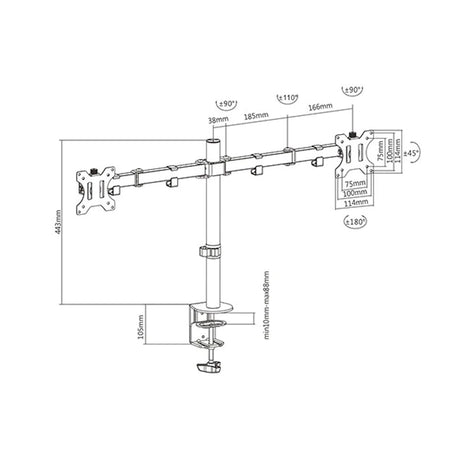
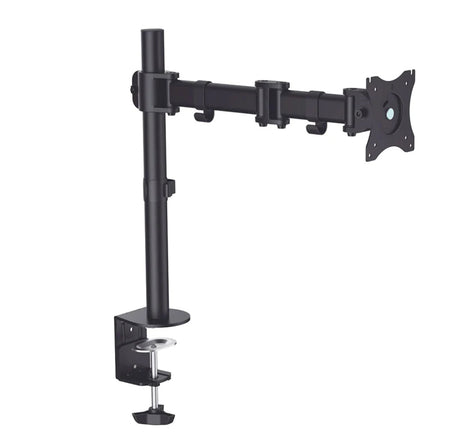
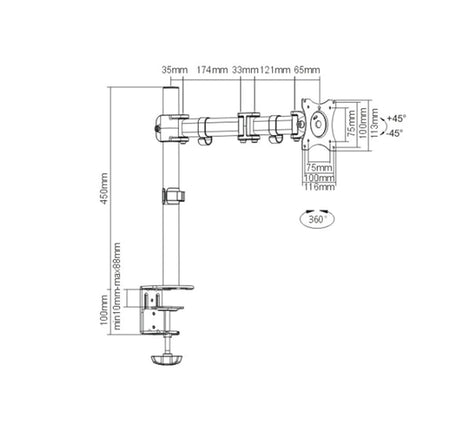
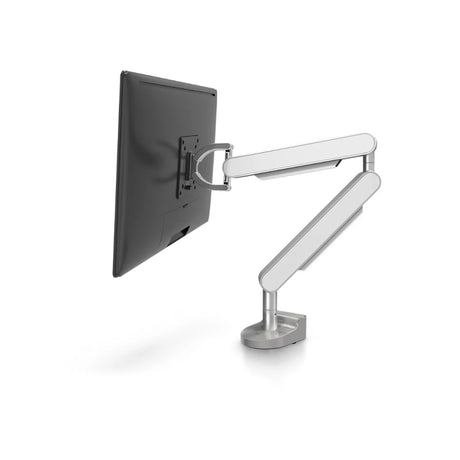
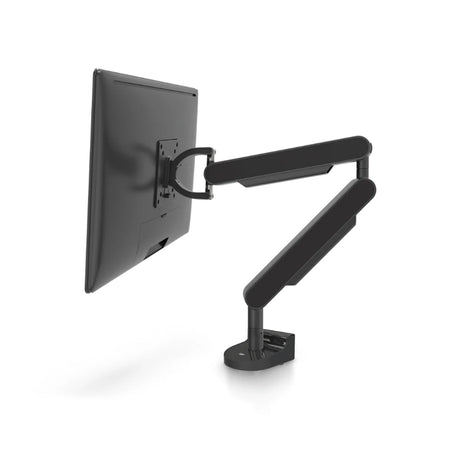
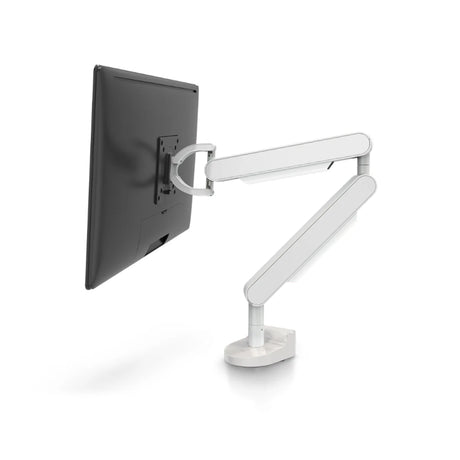
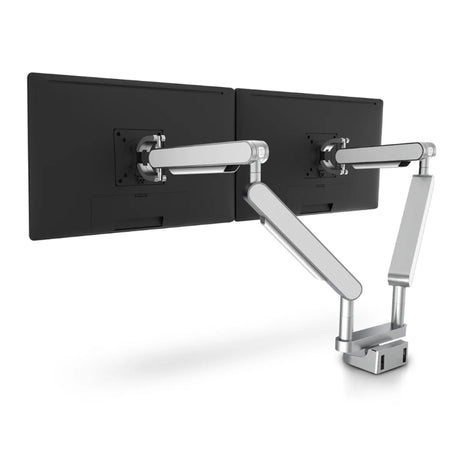
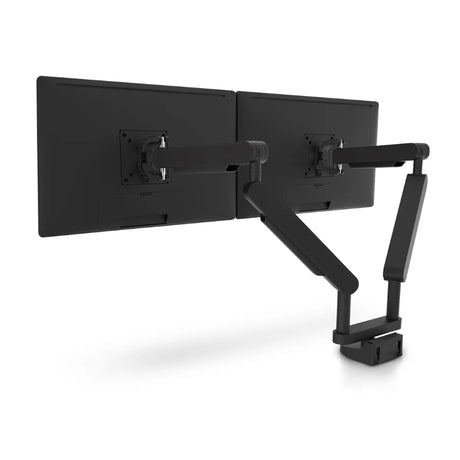
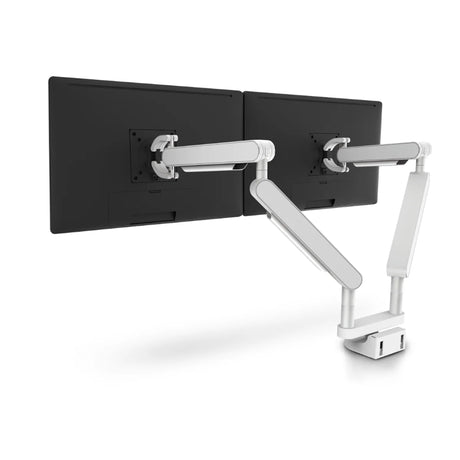
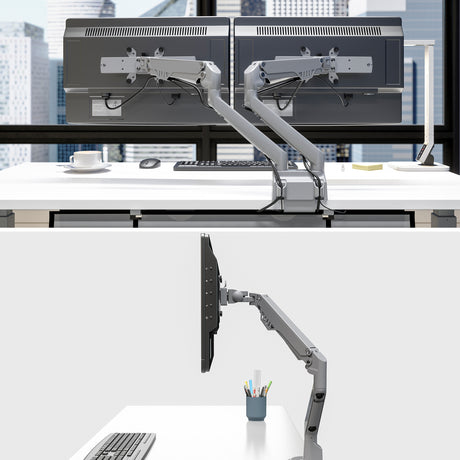
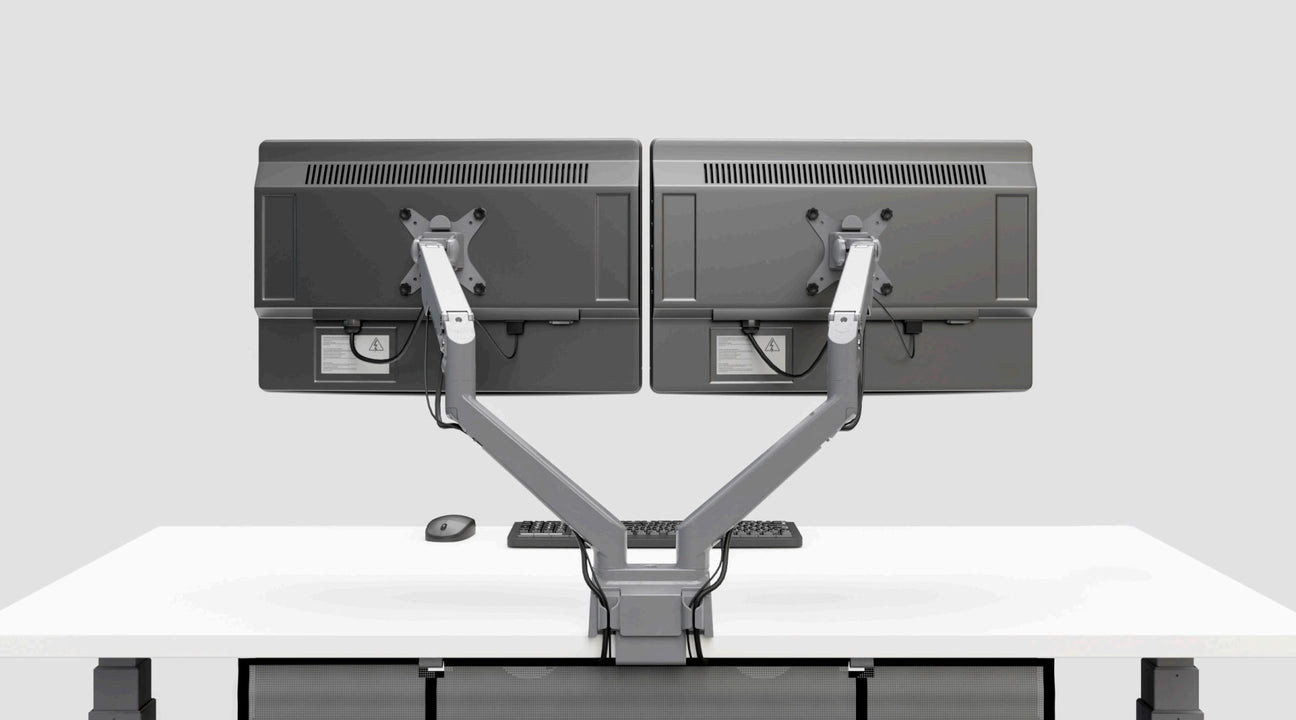
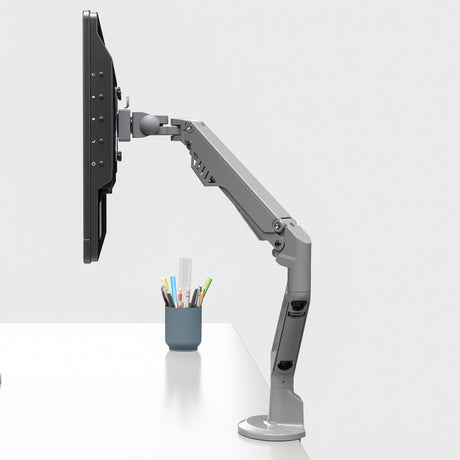
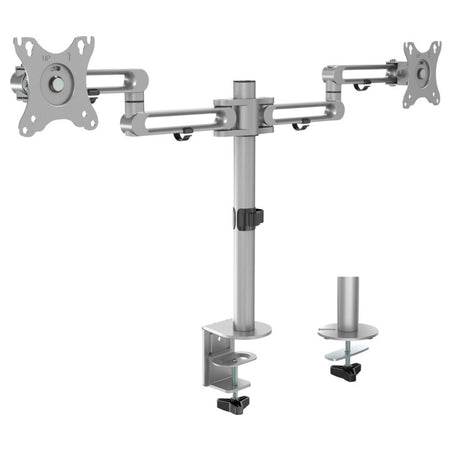
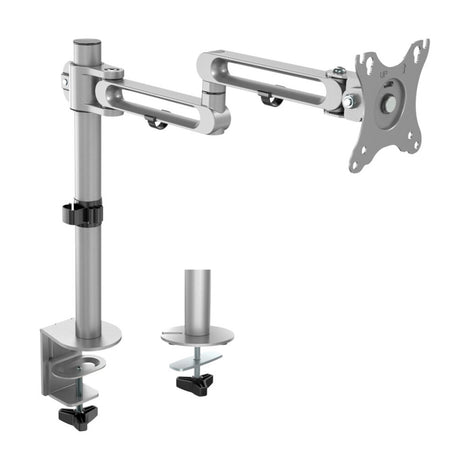
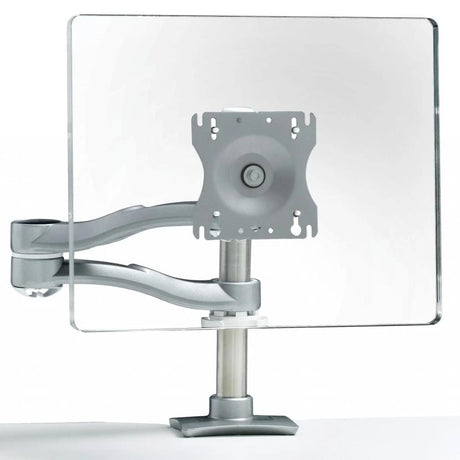
There are several models of articulated monitor arms for flat screens to suit all needs, budgets, and desired features. For example, the dual-extension pole-mounted monitor arm by Groupe Lacasse allows full rotation and forward-backward movement of the screens. Other monitor arms simply offer adjustable height settings.
Laptop stand:
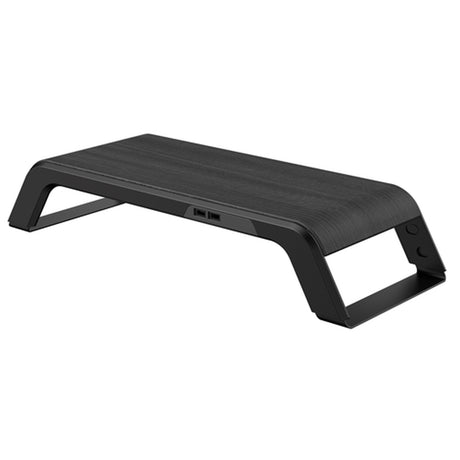
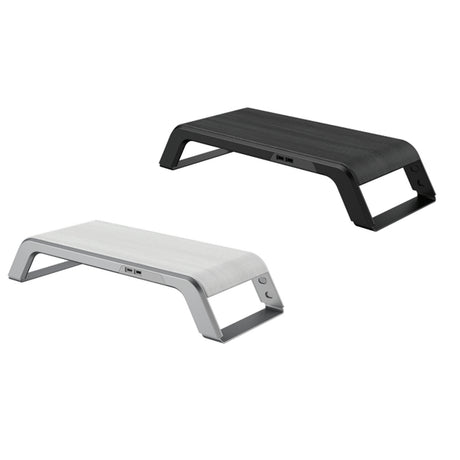
If you split your time between the office and home, it’s worth investing in a high-quality laptop stand, such as the adjustable model by ErgoCentric. This monitor arm allows you to adjust the tilt of your laptop and is particularly useful when using both a fixed monitor and a laptop simultaneously.
What to consider when buying a computer monitor stand?
It’s important to think about your entire office setup and invest in quality equipment to improve posture, comfort, and efficiency.
Choosing the right monitor arm for your needs
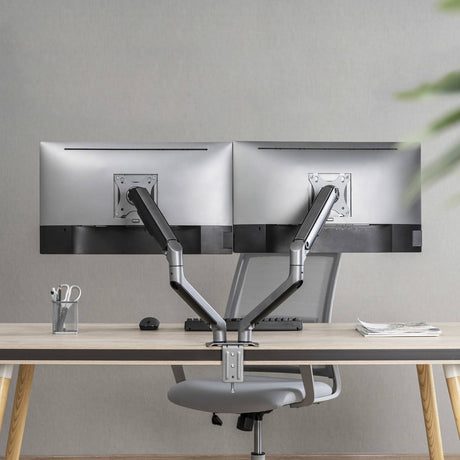
Your choice of monitor arm should match your usage and workspace configuration. If you work with multiple screens, a dual-monitor stand might be the ideal solution to adjust the position of each screen and improve visual comfort.
A good computer monitor stand should offer enough flexibility to meet your needs, whether you’re using a single or dual monitor. Some arms include extra features like adjustable height or full rotation, allowing you to further personalize your workspace and maintain good posture.
Ease of installation and mounting
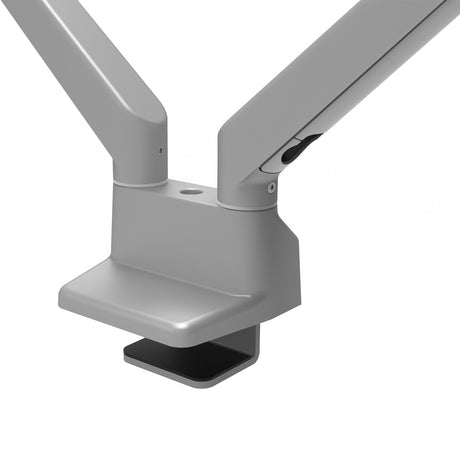
Ease of installation is essential when purchasing a monitor stand. Choose a stand that mounts quickly — whether wall-mounted or clamp-based — without requiring professional assistance.
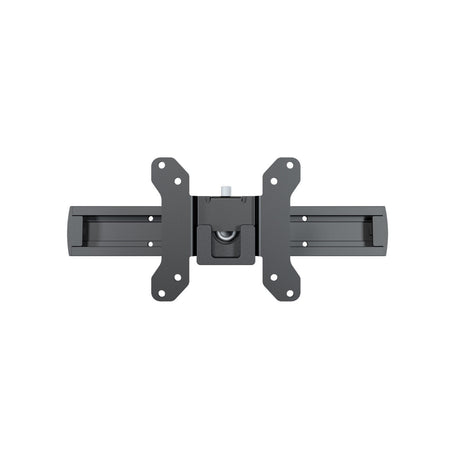
Modern stands often include a universal mounting adapter, ensuring quick installation. Whether for a simple adjustable monitor or a more complex setup, secure installation is key.
Harmonizing your ergonomic office furniture
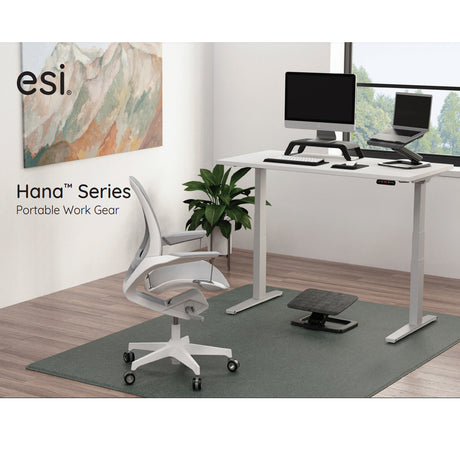
It’s very effective to combine a monitor arm with other ergonomic accessories such as a keyboard tray, footrest, or movable storage units. You can also pair it with height-adjustable desks, which allow you to change positions regularly.
At Solutions M3, we are proud to offer professional-grade office furniture designed to meet your company’s needs — bringing comfort and efficiency to your teams.

 15% off
 20% off
 20% off
 20% off
 Request for quotation